There’s a quiet moment many Indian drivers have experienced at least once — standing beside a traffic officer, fumbling through a wallet, mentally replaying where that plastic card might be. It’s not always lost. Sometimes, it’s just… somewhere else.
The interesting part? That moment doesn’t really need to exist anymore.
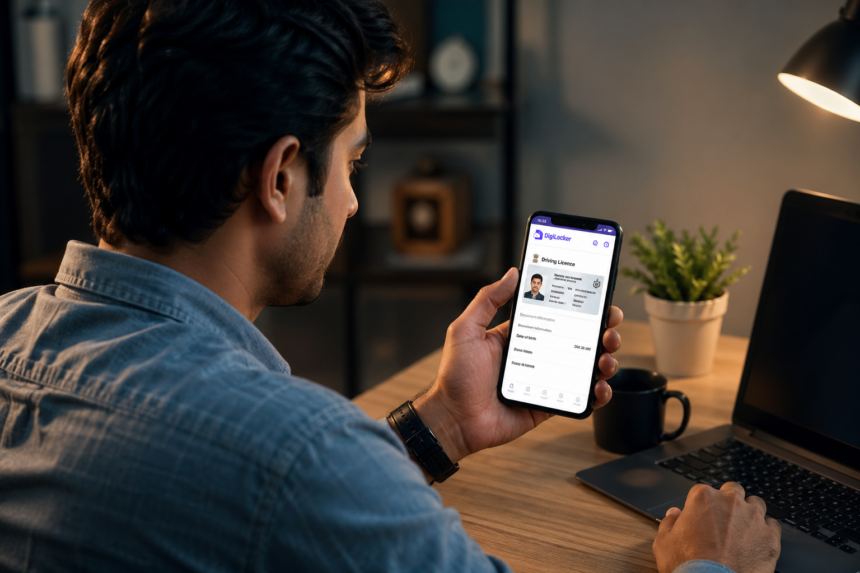
The ability to download driving licence online has quietly transformed how identity, compliance, and convenience intersect on Indian roads. What used to involve Regional Transport Office (RTO) visits, paperwork, and waiting periods is now a matter of minutes — if you know where to look and how to do it right.
And increasingly, knowing how to access your licence digitally isn’t just convenient. It’s expected.

Why Download Driving Licence Online Is Becoming the Norm
India’s digital governance story has been unfolding in layers — from Aadhaar to UPI to document digitisation. Driving licences are part of that shift.
Platforms like DigiLocker and the Ministry of Road Transport & Highways’ Parivahan portal have changed the way official documents are stored and accessed. The logic is simple: if identity is digital, why should proof of it remain physical?
There’s also a practical angle. Enforcement agencies today often accept digital licences as legally valid. So the act to download driving licence online is no longer a workaround — it’s a recognized format.
More importantly, it reflects a subtle behavioral shift. People don’t want to “carry documents.” They want access to them.
The Three Main Ways to Download Driving Licence Online
There isn’t just one method — and that’s where confusion often begins. Each platform offers a slightly different route, depending on your comfort level with apps, logins, or government portals.

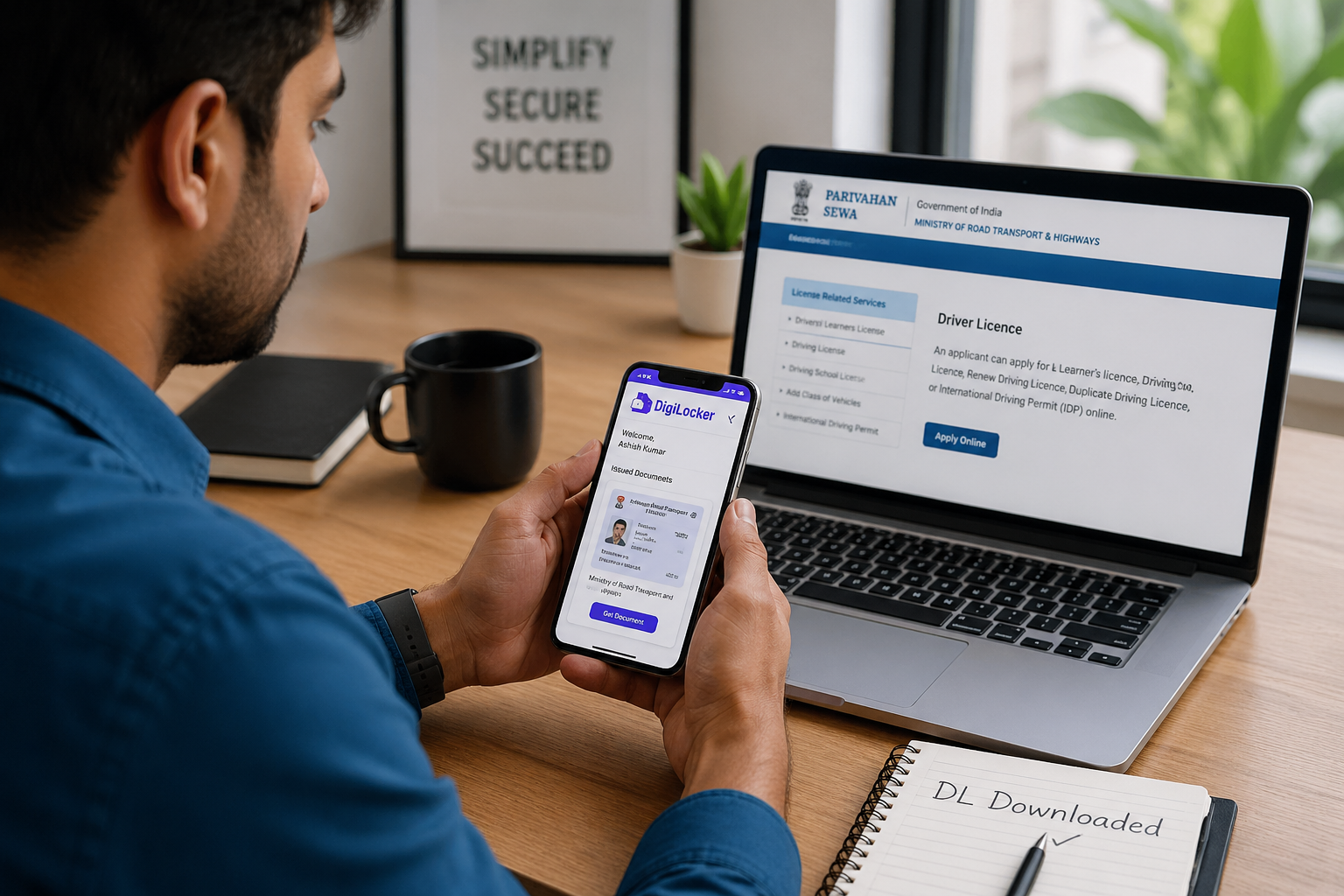
1. DigiLocker: The Simplest Route for Most Users
DigiLocker has emerged as the most user-friendly option. Once linked with your Aadhaar, it automatically fetches government-issued documents, including your driving licence.
Steps:
- Log in to DigiLocker (website or app)
- Go to “Issued Documents”
- Select “Driving Licence”
- Enter your licence number if required
- Download or access it anytime
The advantage here is seamless integration. The system pulls verified data directly from government databases, meaning the document is legally valid across India.

There’s also a psychological ease — you don’t feel like you’re “downloading a file.” You’re accessing something that’s already yours.
2. Parivahan Portal: Direct Access from the Source
If DigiLocker is the polished front-end, the Parivahan portal is the backbone.
Operated by the Ministry of Road Transport, it allows direct access to driving licence data. It’s slightly more technical, but reliable.
Steps:
- Visit the Parivahan Sewa website
- Navigate to “Online Services” → “Driving Licence Related Services”
- Enter your state and DL number
- Access and download your licence
For those who prefer official channels or want detailed information tied to their licence, this is the go-to method.
3. mParivahan App: For On-the-Go Access
Think of mParivahan as the mobile-first version of the Parivahan system.
Once installed, it allows you to store and display your driving licence digitally — even without downloading a separate PDF.
Steps:
- Install mParivahan app
- Register using your mobile number
- Add your driving licence details
- Access the digital copy anytime
For frequent drivers, this is arguably the most practical option. No searching, no files — just instant access.
What Makes a Digital Driving Licence Legally Valid?
This is where hesitation often creeps in.
Can a PDF or app-based licence actually replace the original card?
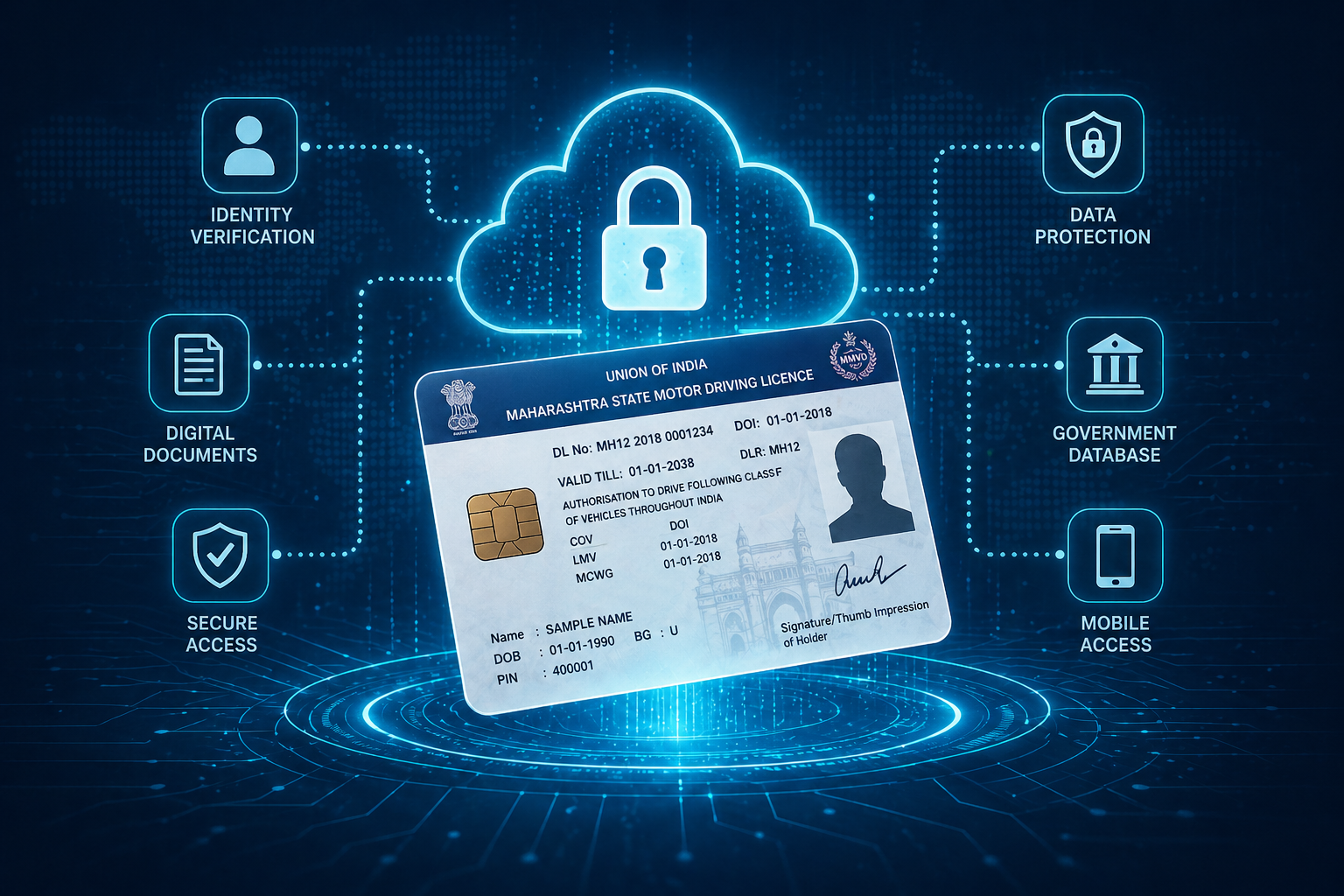
The short answer: yes — if it’s issued or verified through official government platforms.
Authorities recognize digital licences from DigiLocker and mParivahan as valid under the IT Act. This means you’re not “showing a copy.” You’re presenting an authenticated digital version.
The distinction matters. It’s not about convenience anymore — it’s about compliance.
The Real Impact: Beyond Just Convenience
At first glance, the ability to download driving licence online feels like a minor upgrade. But look closer, and it reflects a deeper shift.
1. Reduced Dependence on Physical Documents
India has long relied on physical proof — laminated cards, photocopies, attested documents. Digital licences reduce that dependency.
2. Faster Verification for Authorities
Traffic officers can verify licences digitally in real-time, reducing fraud and delays.
3. Lower Risk of Loss or Damage
A lost wallet no longer means losing access to critical documents.
4. Alignment with Digital India Vision
This shift supports a broader move toward paperless governance — one document at a time.
Where Users Still Get Stuck
Despite the simplicity, there are common friction points.
- Incorrect licence number entry
- Mobile number not linked to Aadhaar
- State-specific data not synced
- Confusion between platforms
These aren’t technical failures. They’re gaps in user awareness.
Interestingly, most people don’t struggle with the process itself — they struggle with choosing the right platform.
What This Means Going Forward
The idea of carrying a physical driving licence might eventually feel outdated — much like carrying cash in a UPI-driven economy.
As digital identity systems evolve, documents will likely become platform-agnostic. Instead of “downloading,” users may simply “authorize access” when needed.
We’re already seeing early signs of that shift.
And in that context, learning how to download driving licence online isn’t just about today’s convenience. It’s about adapting to how governance is being redesigned.

Conclusion
There’s a quiet efficiency in pulling up your driving licence on a screen instead of searching for it in your wallet. It’s not dramatic, but it’s telling.
What used to require effort now requires awareness.
The process to download driving licence online is straightforward — but the real change lies in how we think about ownership, access, and trust in digital systems.
Final Insight
Digital documents aren’t just replacing physical ones — they’re redefining how identity is carried, verified, and trusted.
The next time someone asks for your licence, the question won’t be “Do you have it?” — it’ll be “Can you access it?”
And that subtle difference says everything about where India is headed.-The Vue Times
Frequently Asked Questions
1. How can I download driving licence online in India?
You can download it via DigiLocker, Parivahan portal, or mParivahan app by entering your driving licence number and verifying your details.
2. Is a digital driving licence valid in India?
Yes, digital licences from DigiLocker and mParivahan are legally valid and accepted by traffic authorities across India.
3. Can I show my driving licence on mobile to traffic police?
Yes, you can show it through DigiLocker or mParivahan. It is considered an official and verified document.
4. What if my driving licence is not showing online?
This may happen due to incorrect details or unsynced state data. Recheck your licence number or try another platform.
5. Do I need Aadhaar to download driving licence online?
Aadhaar is usually required for DigiLocker integration, but Parivahan may allow access with licence details alone.