
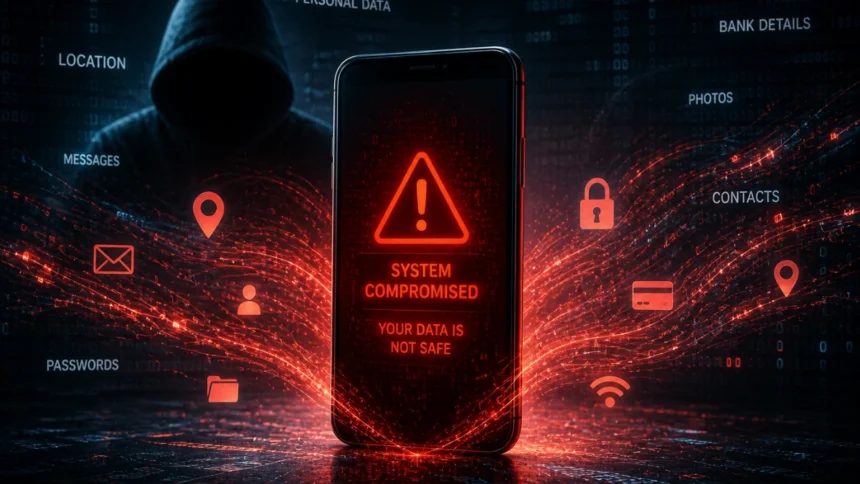
It usually starts subtly. Your phone heats up when it shouldn’t. A random app appears that you don’t remember installing. Messages get sent without your knowledge. At first, it feels like a glitch — something you brush aside. But then the patterns repeat.
That’s when the thought creeps in: Is my phone hacked?
In a country where smartphones have become extensions of identity — storing everything from banking apps to personal conversations — the question isn’t dramatic. It’s practical. And increasingly, it’s necessary.
Why Cybersecurity & Safety Around Phones Is Becoming Critical
Over the past few years, mobile devices have quietly become the go-to computing tool, replacing desktops. Pretty much everything—making payments, verifying your identity, and socializing—now happens through that little screen in your hand.
And naturally, hackers didn’t stay behind.
Unlike the old days when hackers went after systems, today’s cyber threats are much more personal. They’re not just after access to your device; they want access to you—your routines, your one-time passwords (OTPs), your location, and your contacts.
The really concerning part? Most people don’t even realize anything’s amiss until it’s too late and the damage has already been done.
The Subtle Signs Your Phone Might Be Compromised
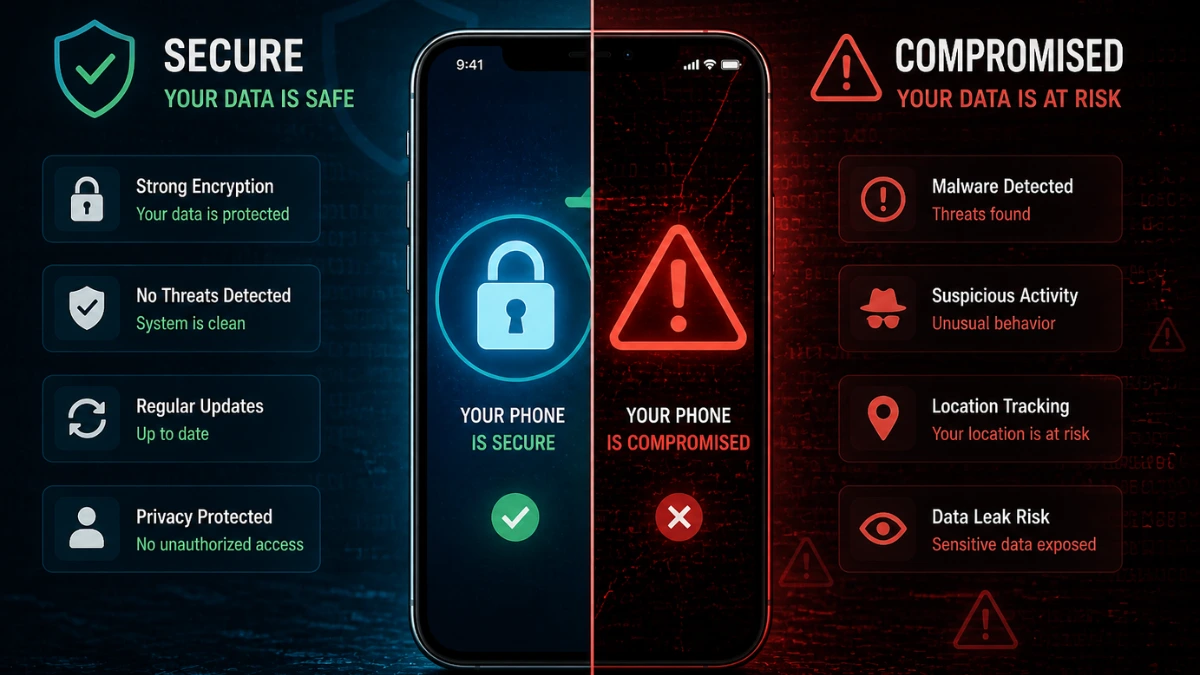
A hacked phone rarely announces itself loudly. It behaves just differently enough to be dismissed — until it can’t be.
1. Sudden Battery Drain
If your battery is draining faster than usual, especially without heavy usage, something might be running in the background. Malware often operates silently, consuming power.
2. Unusual Data Usage
Check your mobile data usage. If there’s a spike without explanation, your phone could be sending information externally — something hackers rely on.
3. Random Pop-ups or Ads
Frequent ads, especially outside apps or even on your home screen, are not normal. This is often a sign of adware or malicious scripts embedded in your system.
4. Apps You Didn’t Install
This is one of the clearest indicators. Unknown apps appearing on your phone suggest unauthorized access or hidden installations.
5. Phone Slowing Down
Performance issues aren’t always about age. If your phone suddenly lags, freezes, or behaves erratically, it may be overloaded with malicious processes.
6. Suspicious Messages or Calls
Friends complaining about receiving strange messages from you? That’s a red flag. Hackers often use compromised phones to spread further attacks.
How to Check If Your Phone Is Hacked (Step-by-Step)
Knowing the signs is one thing. Verifying them is another. Here’s how you can practically check your device without technical expertise.
Review Installed Apps
Go through your app list carefully. Look for anything unfamiliar or suspicious. If you find something odd, uninstall it immediately.
Check App Permissions
Some apps request access they don’t need — like a calculator app asking for contacts or microphone access. This is often a backdoor into your data.
Monitor Data Usage
Most smartphones allow you to see which apps consume data. If an unknown app is using large amounts, investigate.
Run a Security Scan
Use trusted mobile security apps to scan for malware. Even basic antivirus tools can detect hidden threats.
Check Account Activity
Log into your email, social media, and banking apps. Look for unknown logins, password changes, or unusual activity.
Look at System Settings
If developer options or unknown settings are enabled without your knowledge, it’s worth checking further.
Why People Ignore These Signs (Until It’s Too Late)
There’s a psychological pattern here. Most people don’t associate phone issues with hacking. They assume it’s a software bug, an outdated device, or poor network.
Part of the reason is familiarity. Phones feel personal — almost safe by default. Unlike laptops, users rarely think of installing antivirus software or checking security logs.
Hackers depend on this assumption.
The longer a device stays compromised, the more valuable it becomes. It’s not just about stealing data once — it’s about maintaining access.
The Real Impact: More Than Just Data Theft
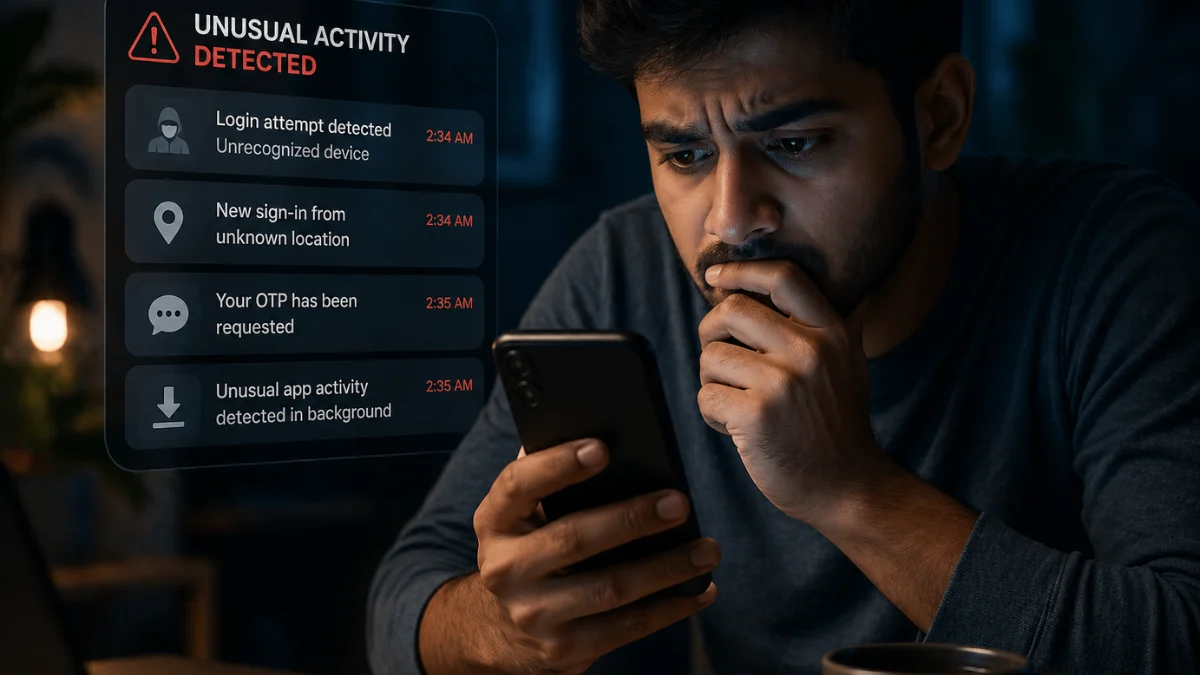
When people hear “phone hacked,” they often imagine photos or messages being leaked. That’s just the surface.
The deeper risks are more structural:
- Financial fraud: Access to banking apps, UPI, and OTPs
- Identity misuse: Your number used for scams
- Surveillance: Tracking your location and habits
- Reputation damage: Messages sent from your account
In India’s digital ecosystem, where phone numbers are tightly linked to identity, the consequences can escalate quickly.
Simple Steps to Protect Your Phone Moving Forward
Security doesn’t require technical expertise. It requires awareness and consistency.
Update Your Software Regularly
Updates are not just about features. They patch vulnerabilities that hackers exploit.
Avoid Downloading Apps from Unknown Sources
Stick to official app stores. Third-party apps are one of the most common entry points for malware.
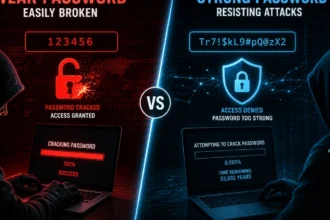
Use Strong Passwords and Enable 2FA
Two-factor authentication adds an extra layer of protection, especially for sensitive accounts.
Be Careful with Public Wi-Fi
Open networks are easy targets. Avoid accessing banking or personal accounts on public connections.
Reset Your Phone if Necessary
If you strongly suspect hacking, a factory reset can eliminate most threats. It’s inconvenient — but effective.
More Read

Where This Is Heading: The Future of Mobile Cybersecurity
The conversation around Cybersecurity & Safety is shifting. It’s no longer limited to businesses or IT professionals. It’s becoming a daily concern for individuals.
With AI-driven attacks, smarter phishing methods, and increasingly sophisticated spyware, the line between convenience and vulnerability is thinning.
At the same time, governments and tech companies are pushing for stronger digital identity systems. While these improve access and efficiency, they also raise the stakes of security.
Your phone is no longer just a device. It’s your digital identity hub.
And that changes everything.
Final Insight
The biggest misconception about phone hacking is that it happens to “other people.” But in reality, it thrives on ordinary behaviour — quick downloads, ignored updates, casual clicks.
Cybersecurity & Safety isn’t about paranoia. It’s about attention.
Because in a world where your entire life fits inside a screen, the real question isn’t if your phone can be compromised — it’s how prepared you are if it is.-The Vue Times
Frequently Asked Questions
How do I know if my phone is hacked?
Look for unusual signs like battery drain, unknown apps, high data usage, or strange messages sent from your phone. These are common indicators of compromise.
Can someone hack my phone without touching it?
Yes. Through malicious links, apps, or unsecured networks, hackers can gain remote access without physical contact.
What should I do if my phone is hacked?
Immediately uninstall suspicious apps, change passwords, run a security scan, and consider a factory reset if needed.
Is factory reset enough to remove hackers?
In most cases, yes. A factory reset removes malware, but you should also secure your accounts afterward.
Can antivirus apps protect my phone completely?
They help detect threats, but no tool offers 100% protection. Safe usage habits are equally important.