

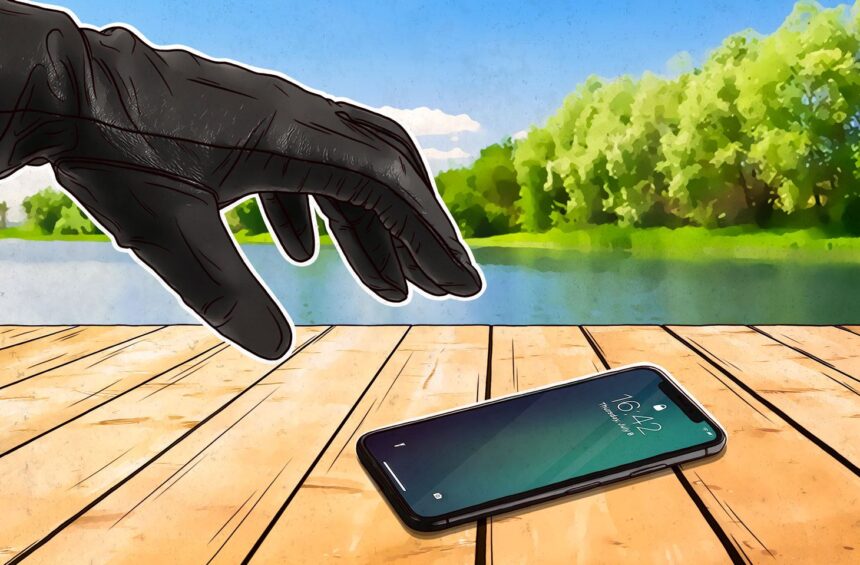
Losing your smartphone is one of the most stressful experiences in today’s digital world. From private photos to online banking apps and OTPs — our entire digital lives revolve around our phones. In 2025, phone thefts are more sophisticated than ever, and thieves can access sensitive data within minutes if you don’t act fast.
But don’t panic — this comprehensive step-by-step guide will help you secure your data, track your device, and protect your identity before and after your phone gets stolen.
Why You Need to Act Fast
When a phone is stolen, the first few hours are critical. Modern smartphones — whether Android or iPhone — store everything from your financial information to personal details. Acting immediately can make the difference between losing a device and losing your digital identity.
Here’s what you should do instantly when your phone is lost or stolen.
Step 1: Lock Your Phone Remotely
The first and most urgent step is to lock your device so that no one can access your data.
For Android Users:
-
Go to Find My Device on another phone or computer.
-
Log in using the Google account linked to your phone.
-
Once your device appears on the map, choose “Secure Device” to lock it remotely.
-
You can also add a message like “This phone is lost. Please call [alternate number].”
For iPhone Users:
-
Visit iCloud.com/find or use another Apple device.
-
Sign in with your Apple ID.
-
Select your lost iPhone from the list of devices.
-
Turn on Lost Mode — this locks your phone and tracks its location.
Even if the thief removes the SIM card or disconnects Wi-Fi, the phone will relock itself once connected to the internet.
Step 2: Track Your Phone’s Location
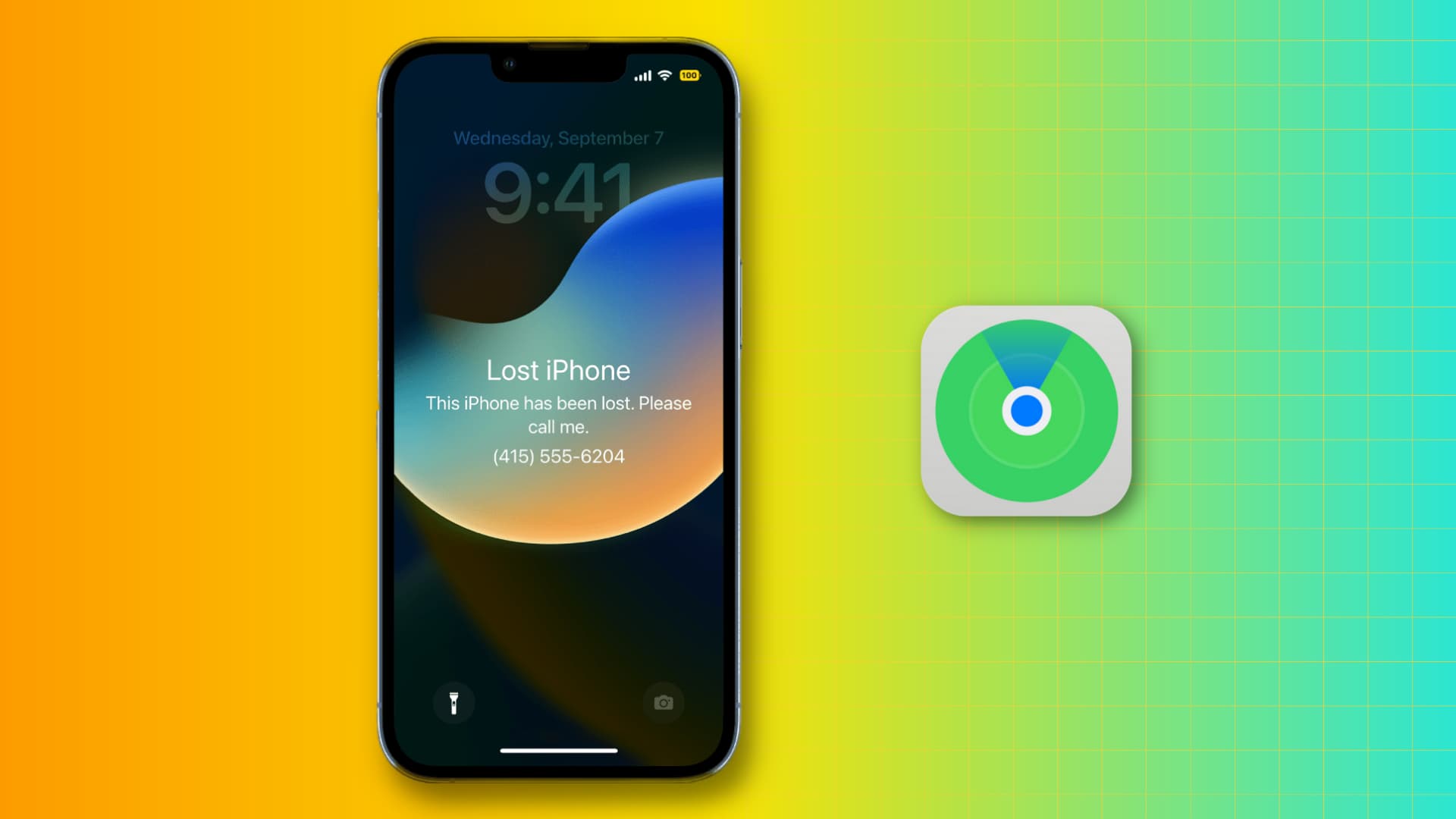
Both Apple and Google offer built-in location tracking for lost phones.
-
Android: Find My Device will show your phone’s last known location. You can also play a loud sound (even if it’s on silent) to help locate it nearby.
-
iPhone: The Find My app displays a map and will even notify you if your phone is found later.
Tip: Don’t go chasing the thief yourself. Always share the location with local authorities for your safety.
Step 3: File a Police Complaint Immediately
Once you confirm your phone has been stolen, file an FIR (First Information Report) at your nearest police station.
Provide details like:
-
IMEI number (found on the phone’s box or purchase invoice)
-
Model and color
-
Last known location
-
Any tracking details from Google or Apple
Having a police report is crucial — it helps you block your SIM, claim insurance, and legally protect yourself if your phone is used for illegal activities.
Step 4: Block Your SIM Card
Contact your mobile carrier right away and block your SIM card to stop unauthorized calls or OTPs.
Major carrier helplines (India):
-
Jio: 198 or visit www.jio.com
-
Airtel: 198 or www.airtel.in
-
Vi (Vodafone Idea): 199 or www.myvi.in
-
BSNL: 1503
Blocking your SIM also helps you secure your banking apps that rely on OTPs.
Step 5: Block Your IMEI Number
The IMEI (International Mobile Equipment Identity) is a unique ID for every mobile phone.
You can block it officially to make the stolen phone useless on any network.
How to Block IMEI in India:
-
Visit the government’s CEIR portal: https://www.ceir.gov.in
-
Fill out the “Block Stolen/Lost Mobile” form.
-
Enter your IMEI number, ID proof, and copy of the FIR.
-
Once submitted, your IMEI will be blocked across all Indian networks.
This ensures the stolen phone cannot be used with any SIM — even by the thief.
Step 6: Log Out from All Online Accounts
Your stolen phone likely contains signed-in apps and services like Gmail, WhatsApp, Instagram, Facebook, Paytm, or UPI.
Log out remotely:
-
Google Account: Go to your Google Account → Your Devices → Sign out of all devices.
-
Apple ID: Visit appleid.apple.com → Devices → Remove from account.
-
Social Media: Open the web version → Security Settings → Log out from all sessions.
This step prevents hackers from accessing your chats, photos, and private data.
Step 7: Secure Your Bank Accounts and UPI Apps
Most digital payment apps like Google Pay, PhonePe, Paytm, and BHIM are linked directly to your SIM and phone number.
To protect your money:
-
Call your bank immediately and request to block mobile banking access.
-
Unlink your UPI IDs from the stolen device.
-
Reset all banking passwords and PINs.
Also, inform your credit card companies to monitor any suspicious transactions.
Step 8: Erase All Data Remotely
If you’re certain you can’t recover your phone, erase all its data to prevent misuse.
Android:
In Find My Device, click “Erase Device” → confirm.
This wipes out everything — apps, photos, messages, and accounts.
iPhone:
In Find My, select your lost device → “Erase iPhone” → confirm.
All data is deleted securely and the device remains locked.
Step 9: Change All Passwords

Update passwords for:
-
Gmail, iCloud, and Microsoft accounts
-
Facebook, Instagram, and WhatsApp
-
Banking apps
-
Amazon, Flipkart, and Netflix
-
Any saved email accounts
Use two-factor authentication (2FA) wherever possible to strengthen your security.
Step 10: Prepare for the Future — Preventive Measures
After a phone theft, prevention becomes your best protection.
Here are key steps to keep your new device secure:
Enable Screen Locks
Use a strong PIN or biometric lock (fingerprint/Face ID). Avoid simple patterns like 1234 or swipe gestures.
Turn On Find My Device or Find My iPhone
Keep location tracking enabled at all times — it’s your best recovery tool.
Avoid Storing Sensitive Info
Never save passwords, ATM PINs, or ID proofs in your photo gallery or notes.
Use Cloud Backup
Back up your photos and files to Google Drive or iCloud regularly. That way, even if your phone is stolen, your data stays safe.
Keep Your IMEI Handy
Save your IMEI number in a safe place. You can find it by dialing *#06# on your phone.
Avoid Public Charging Stations
Public USB ports can inject malware into your device — known as juice jacking.
Use an Anti-Theft App
Apps like Cerberus, Prey, and Lookout offer advanced tracking, photo capture of the thief, and SIM-change alerts.
Step 11: Track Device Resale or Activity (Optional)
Sometimes, stolen phones reappear in secondhand markets or online listings.
Use websites like IMEI.info or tools from local cyber cells to track if your phone’s IMEI becomes active again.
If found, inform the police with your FIR details — never attempt to retrieve it yourself.
Step 12: Restore Your Backup on a New Device
Once you’ve secured your accounts and data, you can restore everything safely to a new phone:
-
Android: Use your Google backup to restore contacts, apps, and photos.
-
iPhone: Use iCloud or iTunes backup to retrieve everything.
This ensures a smooth transition without losing your important information.
Expert Insight: Why Awareness Matters
According to cybercrime units across India, over 2 million mobile theft cases are reported every year — and many go unreported.
Experts suggest that 80% of stolen phones are resold within the first 24 hours, often after being wiped or shipped abroad.
By knowing these preventive steps, you not only safeguard yourself but also help authorities curb digital theft crimes.
Government Initiatives for 2025
The Indian Department of Telecommunications (DoT) has strengthened the CEIR system, which allows citizens to:
-
Block IMEI numbers instantly
-
Retrieve lost devices
-
Track and blacklist stolen mobiles
Additionally, new 2025 smartphone regulations require manufacturers to pre-register IMEI details for improved traceability.