

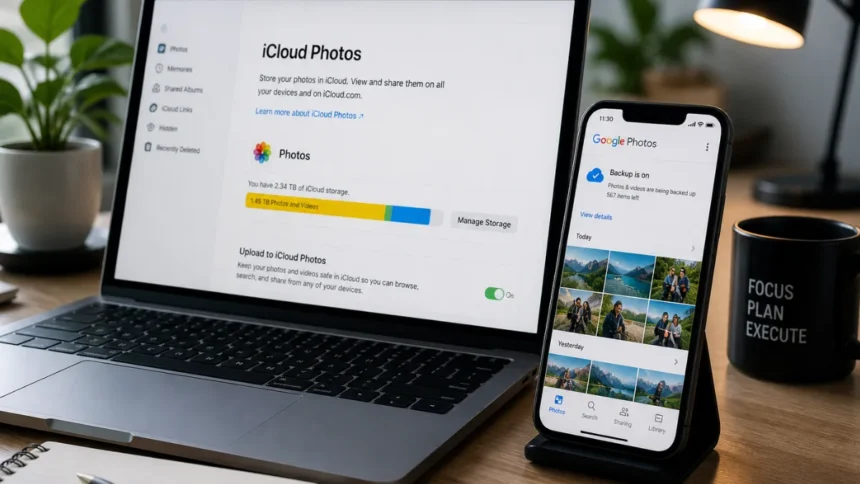
There’s a particular kind of silence that follows when a photo disappears. Not just any photo — that one. A trip memory. A candid moment. A document you forgot to back up. It’s gone, and suddenly your phone feels less like a tool and more like a reminder of what you’ve lost.
In an era where smartphones quietly carry fragments of our lives, losing photos is no longer just a minor inconvenience. It sits at the intersection of Technology & Digital Issues, where convenience meets fragility. The good news? Most photos aren’t truly gone — at least not immediately.
Why Deleted Photos Aren’t Always Really Deleted
When you hit “delete,” your phone doesn’t instantly erase the file from existence. Instead, it marks that storage space as “available.” Until new data overwrites it, recovery is often possible.
This is why timing matters. The longer you wait — especially if you continue using your phone heavily — the lower your chances of getting those photos back.
What’s interesting is how this reflects a broader pattern in Technology & Digital Issues: systems prioritize efficiency over emotional value. Your phone doesn’t know what matters to you — it just manages storage.
First Step: Check the Obvious (But Overlooked) Places
Before diving into recovery apps or technical fixes, start simple. Most modern smartphones have built-in safeguards.
Recently Deleted Folder
- On iPhones, photos stay in the Recently Deleted folder for 30 days.
- On Android devices, Google Photos and many gallery apps offer a similar “Trash” or “Bin.”
This is the easiest recovery route. No apps, no risks — just restore.
Cloud Backup Services
- Google Photos
- iCloud Photos
- OneDrive
If you had backup enabled, your photos might still exist in the cloud, even if deleted locally.
A surprising number of users overlook this step. It’s less about technology and more about habit — we trust automation, but rarely check if it’s actually working.
When Photos Are Not in Trash: What Actually Works
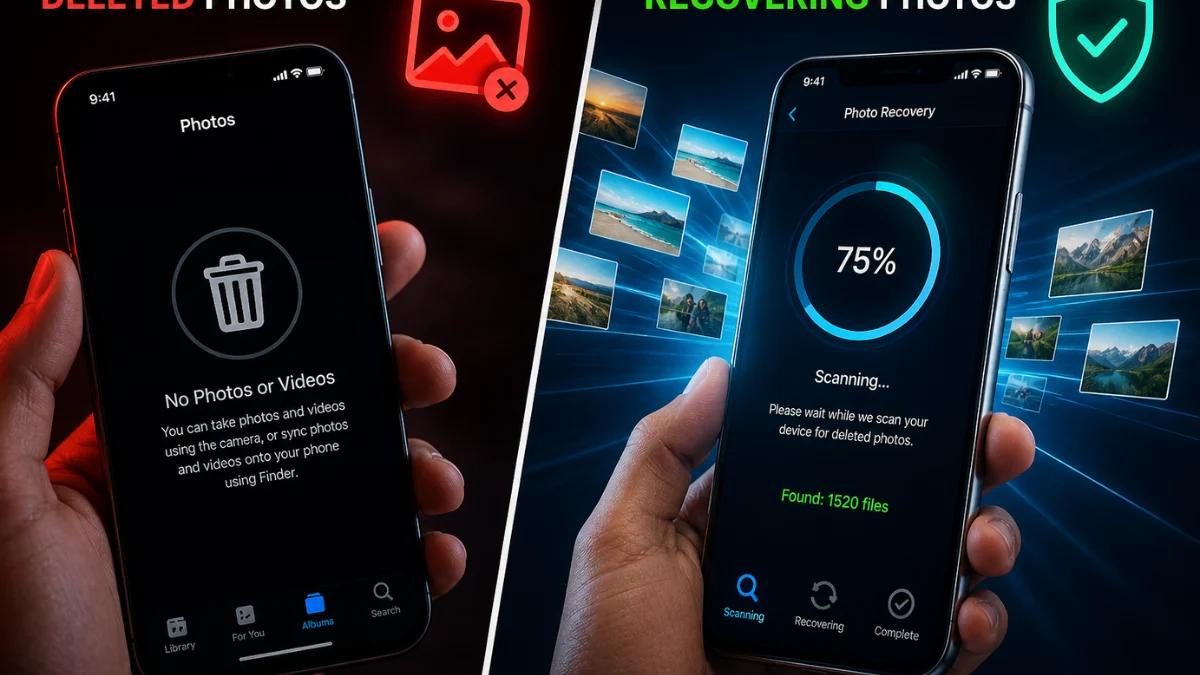
If your photos aren’t in the bin or cloud, you’re dealing with deeper recovery. This is where most people either panic or download the first random app they see.
That’s usually a mistake.
Use Trusted Recovery Apps
Some well-known options include:
- DiskDigger (Android)
- Dr.Fone (Android & iOS)
- EaseUS MobiSaver
These apps scan your phone’s internal storage for recoverable files.
But here’s the catch:
- Android recovery works better if the phone is rooted
- iPhone recovery often requires a computer
This isn’t always mentioned upfront — and it’s why expectations often don’t match results.
The Risk Nobody Talks About
Photo recovery apps aren’t magic. In fact, some come with risks:
- Data privacy concerns
- Fake or low-quality apps
- Partial or corrupted recovery
This is one of those areas where Technology & Digital Issues become visible in real time. The same ecosystem that offers solutions also creates confusion.
The smartest move? Stick to well-reviewed tools and avoid apps asking for unnecessary permissions.

Recovering Photos Using a Computer (Higher Success Rate)
If mobile apps don’t work, using a desktop recovery tool significantly improves your chances.
For Android
- Connect your phone via USB
- Enable file transfer mode
- Use recovery software like EaseUS or Dr.Fone
- Scan internal storage
For iPhone
- Connect to iTunes or Finder
- Use recovery software
- Scan device or backup
This method works better because computers can access deeper storage layers.
It’s not the most convenient solution — but it’s often the most effective.
Why Photo Loss Is Becoming More Common
It’s not just you. Photo loss is happening more frequently, and there are reasons:
- Increased reliance on digital-only storage
- Auto-cleanup features deleting files silently
- App permissions causing accidental deletions
- Storage optimization removing “unused” data
Phones are getting smarter — but not necessarily more intuitive.
This is a classic example of modern Technology & Digital Issues: automation solving problems while quietly creating new ones.
The Psychology Behind Losing Photos
Losing a photo doesn’t feel like losing data. It feels personal.
That’s because photos are tied to memory, identity, and proof of experience. When they disappear, it’s not just about recovery — it’s about restoring something emotional.
This is why people often rush into unsafe solutions. Urgency overrides caution.
And that’s exactly where the digital ecosystem can exploit users — through ads, fake tools, and misleading promises.
Preventing Photo Loss in the Future
Recovery is helpful. Prevention is smarter.
Enable Automatic Backup
- Google Photos (Android)
- iCloud Photos (iPhone)
Use Multiple Backup Options
Don’t rely on a single service. Use:
- Cloud + external drive
- Cloud + secondary app
Avoid Storage Overload
Low storage increases risk of data overwriting.
Be Careful with Cleaning Apps
Many “cleaner” apps delete files aggressively.
Prevention isn’t complicated — it’s just often ignored until it’s too late.
Where This Is Heading: The Future of Digital Memory
As AI and cloud storage evolve, photo recovery may become easier — even predictive.
Imagine systems that:
- Warn you before deleting important photos
- Automatically back up emotionally significant images
- Detect accidental deletions in real time
But until then, users remain responsible for their own digital memory.
And that’s the uncomfortable truth behind many Technology & Digital Issues — convenience comes with responsibility.
More Read

Conclusion
Recovering deleted photos is rarely impossible — but it’s rarely instant either. Success depends on timing, awareness, and the method you choose.
The real lesson isn’t just about recovery. It’s about how fragile digital life actually is.
We trust our devices to remember everything. But sometimes, they forget — quietly, efficiently, and without warning.
Final Insight
In a world where memories live inside devices, losing a photo is no longer just a technical issue — it’s a reminder of how dependent we’ve become on invisible systems. The real challenge isn’t recovering what’s lost, but understanding how easily it can disappear in the first place.-The Vue Times
Frequently Asked Questions
How can I recover permanently deleted photos from my phone?
You can use recovery apps or desktop software to scan internal storage. Success depends on whether new data has overwritten the deleted files.
Can I recover photos after 30 days from Recently Deleted?
It’s difficult but possible using recovery tools. Once removed from Trash, files are harder to retrieve unless backed up.
Do photo recovery apps really work?
Yes, but results vary. Trusted apps can recover some files, but not always in original quality or full quantity.
Is it safe to use photo recovery apps?
Only if you use verified tools. Avoid apps with excessive permissions or poor reviews to protect your data.
How do I prevent losing photos in the future?
Enable automatic backups, use multiple storage options, and avoid relying solely on your phone’s internal storage.